

Create API Key
Within the Settings you can manage your API Keys as well as view information on their usage statisics.
Creating an API Key
Section titled “Creating an API Key”To create a new API key, select Create new API key, assign a descriptive name, and securely store the generated key.
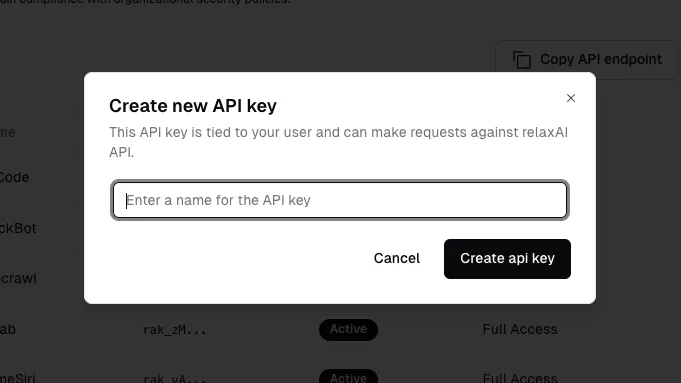
Make sure you take note and save this value somewhere secure, as you will not be able to retreive it again through the dashboard. Ensure that you do not share your API key or expose it within client-side code.
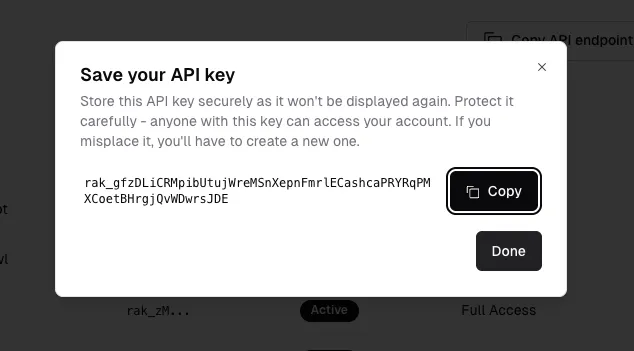
After creating the API key, you will see it listed in your API Keys section.

You can use this API key to authenticate your requests to the relaxAI API.